
New features: Lasso Fill and Draw Outline
Two new productivity features: Lasso Fill and Draw Outline have been added to Sketchbook! Available now in Sketchbook Pro 9.4 (Win/Mac) and Sketchbook 6.2.5 (Android) and Sketchbook 6.2.6 (iOS) with the Premium Bundle.
Lasso Fill
This new tool allows you to dynamically fill regions you define with the lasso. It is a great way to block out silhouette shapes and a powerful addition to coloring workflows.
Lasso Fill can be found in the Fill sub-toolbar.

Lasso Fill in Sketchbook Pro on macOS and Windows

Lasso Fill in Sketchbook on iOS and Android with the Premium Bundle
Tips:
For more control, use smaller lasso regions to consecutively build up to your final shape
Lasso Fill can also be used with Randomize Color
Try using Lasso Fill with Transparent Color as a clean-up tool
Draw Outline
Draw Outline uses the selection as a path to apply a stroke of the active brush and color. It offers a quick way to make border and halo effects.
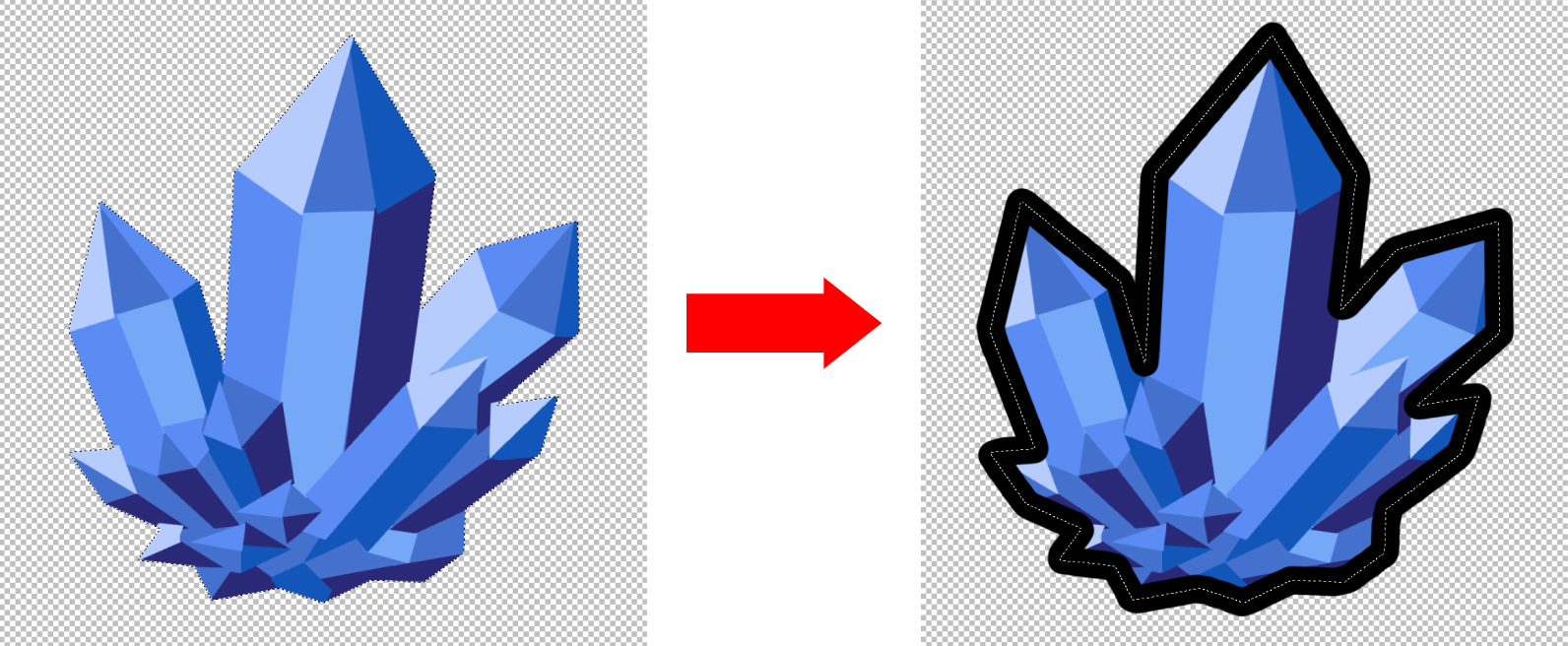
The brush stroke applied by Draw Outline is centered on the selection line. The stroke will be the active brush and active color.
Examples:
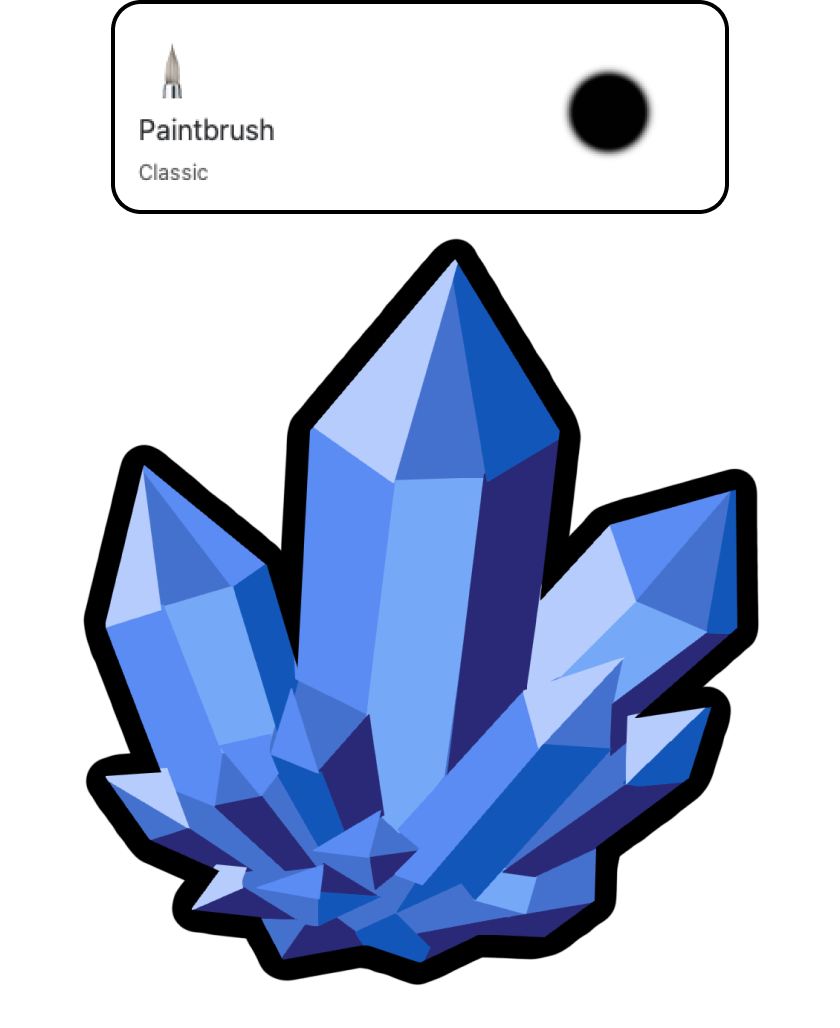
Double outline created by applying a second outline after changing brush size and color.
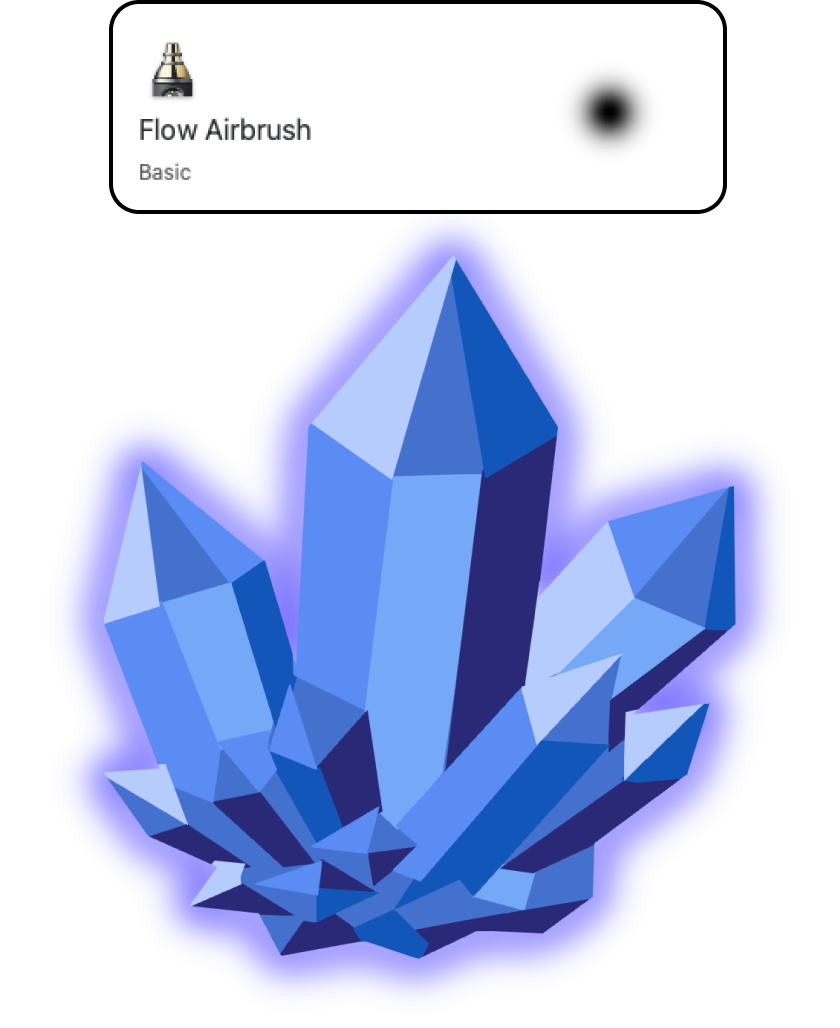
Soft airbrush applied to a layer below the art to generate a glow effect.
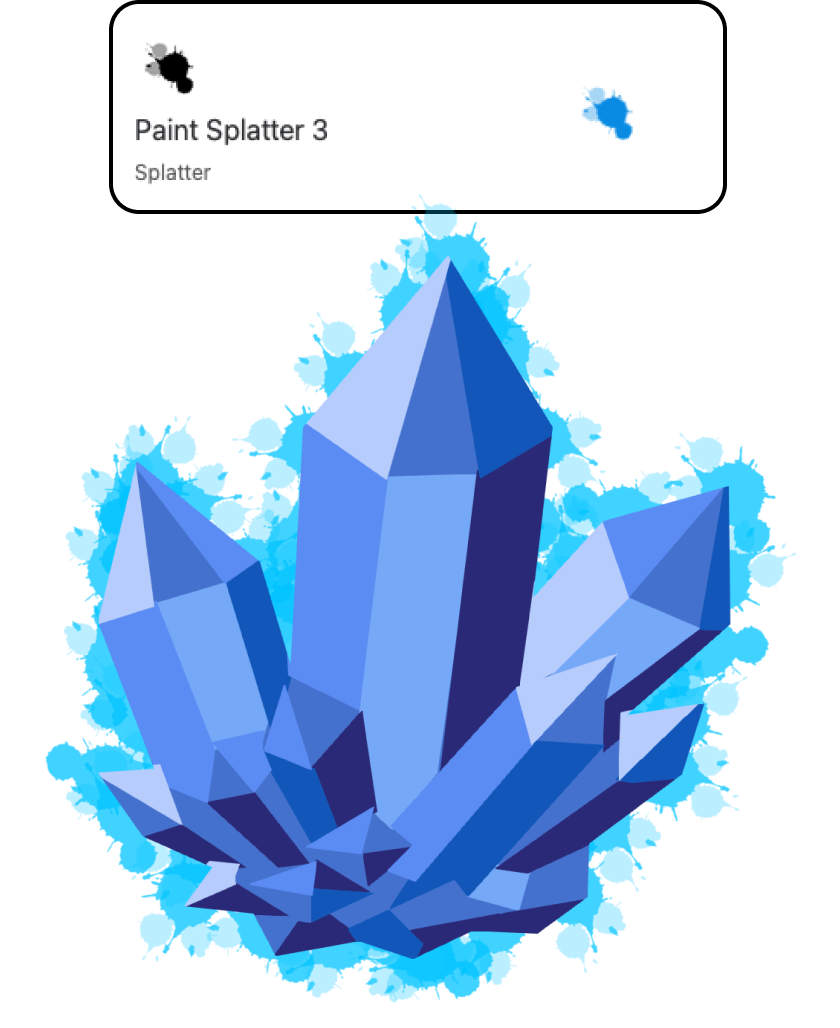
Texture brushes used as an outline produce a wide range of accents.
A soft eraser applied to the same layer, generating a faded edge.
The Draw Outline tool is located in the Selection toolbar. It is enabled once there is an active selection:

Draw Outline in Sketchbook Pro on macOS and Windows

Draw Outline in Sketchbook on Android and iOS with the Premium Bundle
Tips:
Strokes apply at the center of the dashed selection line. This is different from using a selection as a mask, where you can only mark the canvas inside the selection boundary.
Using Magic wand selection on shapes and then applying Draw Outline can be a great workflow for clean outlines.
Try applying the outline to a separate layer for more flexibility.
If you have multiple areas selected, Draw Outline will apply a stroke on all of them.
Use Draw Outline to ‘grow’ solid colored regions or ‘shrink’ them with Transparent Color.
You can apply multiple strokes using different brushes to get varying effects.