Calligraphy Series 1
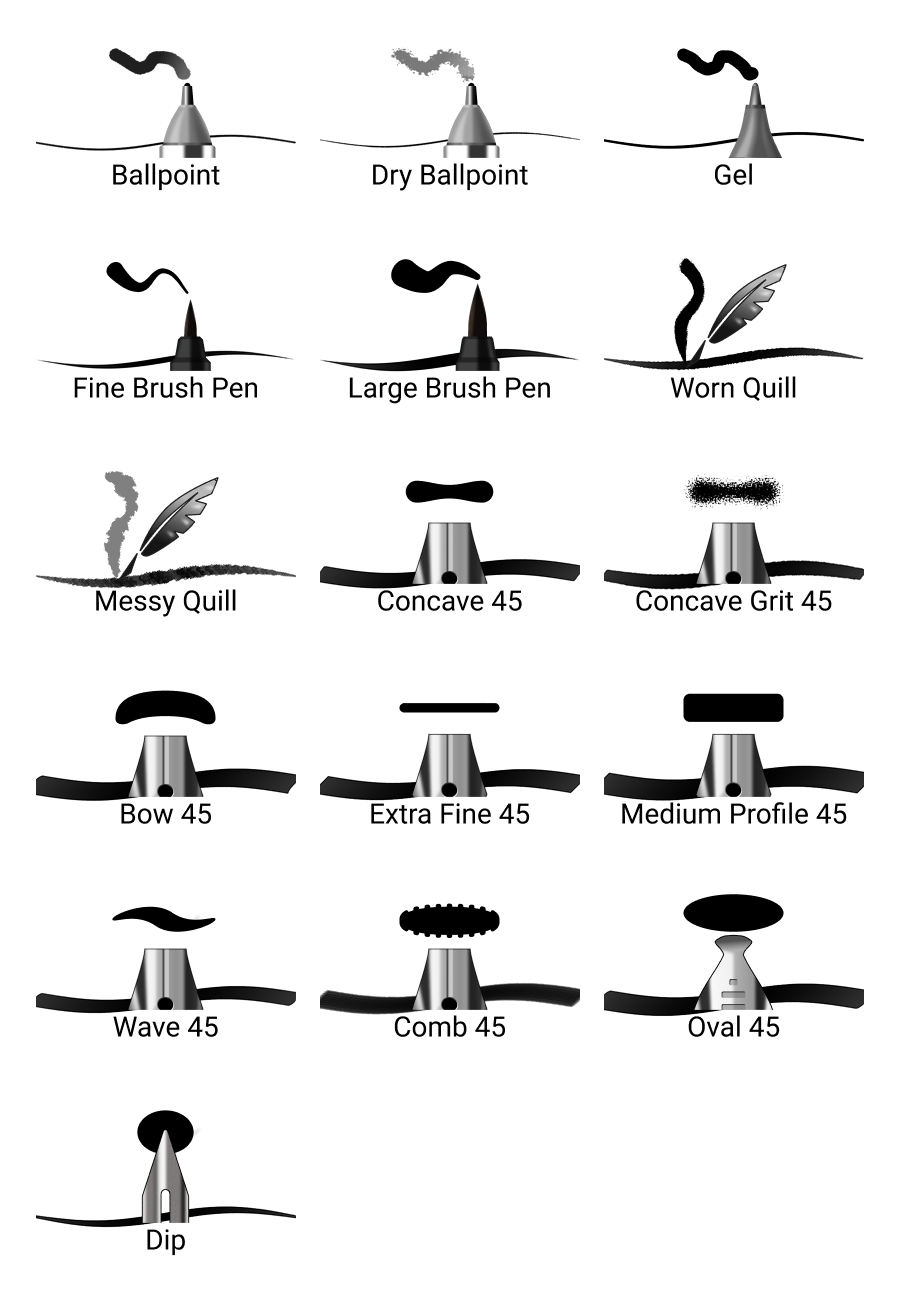
16 calligraphy brushes and pens
This set of calligraphy brushes offers multiple options depending on what calligraphy type effect you are looking for, including brush pens, quills, broad tip pens, and more
Installation:
Open the Brush Library
Tap the upper right corner of the active brush set to access the menu
Select Import Brush Set
Navigate to the downloaded .skbrushes file
Tap Open
For more details on installation, read the article in our Help Center
Compatible with:
Sketchbook for Android (v6.0 and higher with the Premium Bundle)
Sketchbook for iOS (v6.0 and higher with the Premium Bundle)
Sketchbook Pro 9.0 and higher for macOS
Sketchbook Pro 9.0 and higher for Windows