
Simple eraser set
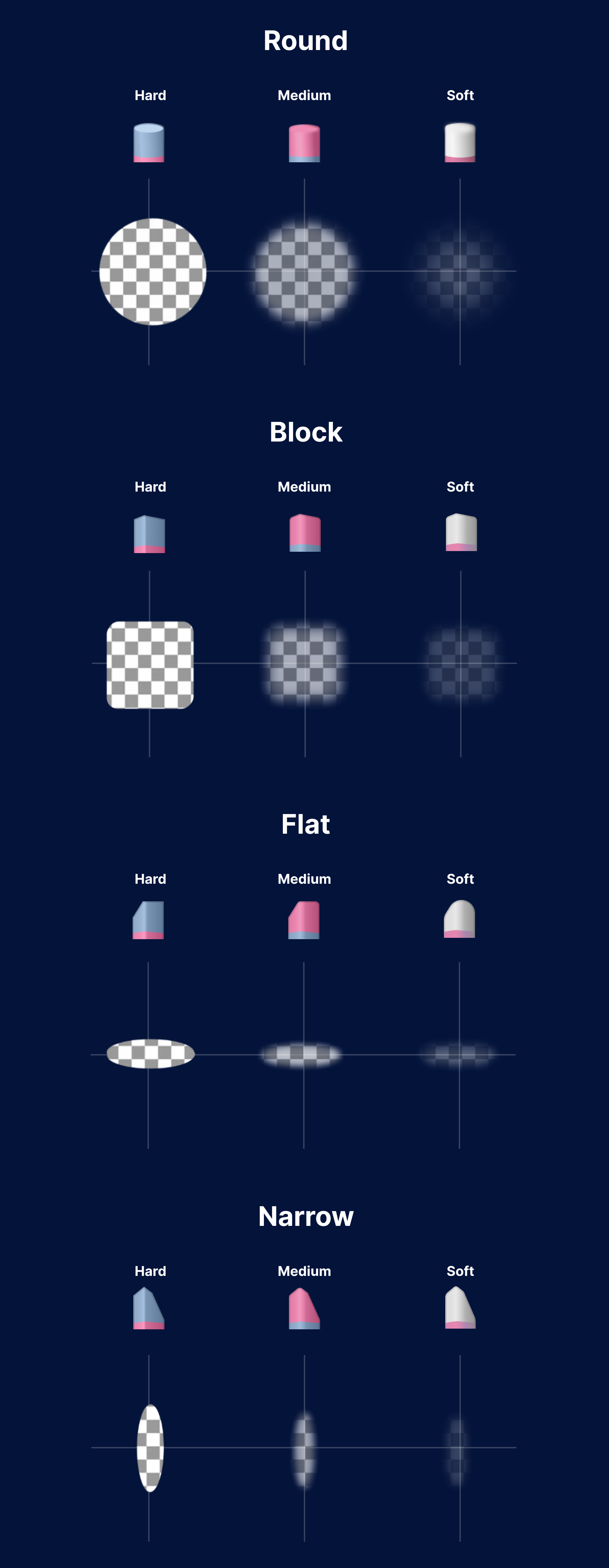
12 erasers of varying profiles and hardness
This set includes 4 eraser profiles, each with hard, medium and soft versions.
The icons are inspired by the colors of classic 2-in-one erasers to help distinguish them from other brush types.
Blue represents hard erasers, pink for medium, and white for soft.
Installation:
Open the Brush Library
Tap the upper right corner of the active brush set to access the menu
Select Import Brush Set
Navigate to the downloaded .skbrushes file
Tap Open
For more details on installation, read the article in our Help Center
Compatible with:
Sketchbook for Android (v6.0 and higher with the Premium Bundle)
Sketchbook for iOS (v6.0 and higher with the Premium Bundle)
Sketchbook Pro 9.0 and higher for macOS
Sketchbook Pro 9.0 and higher for Windows